
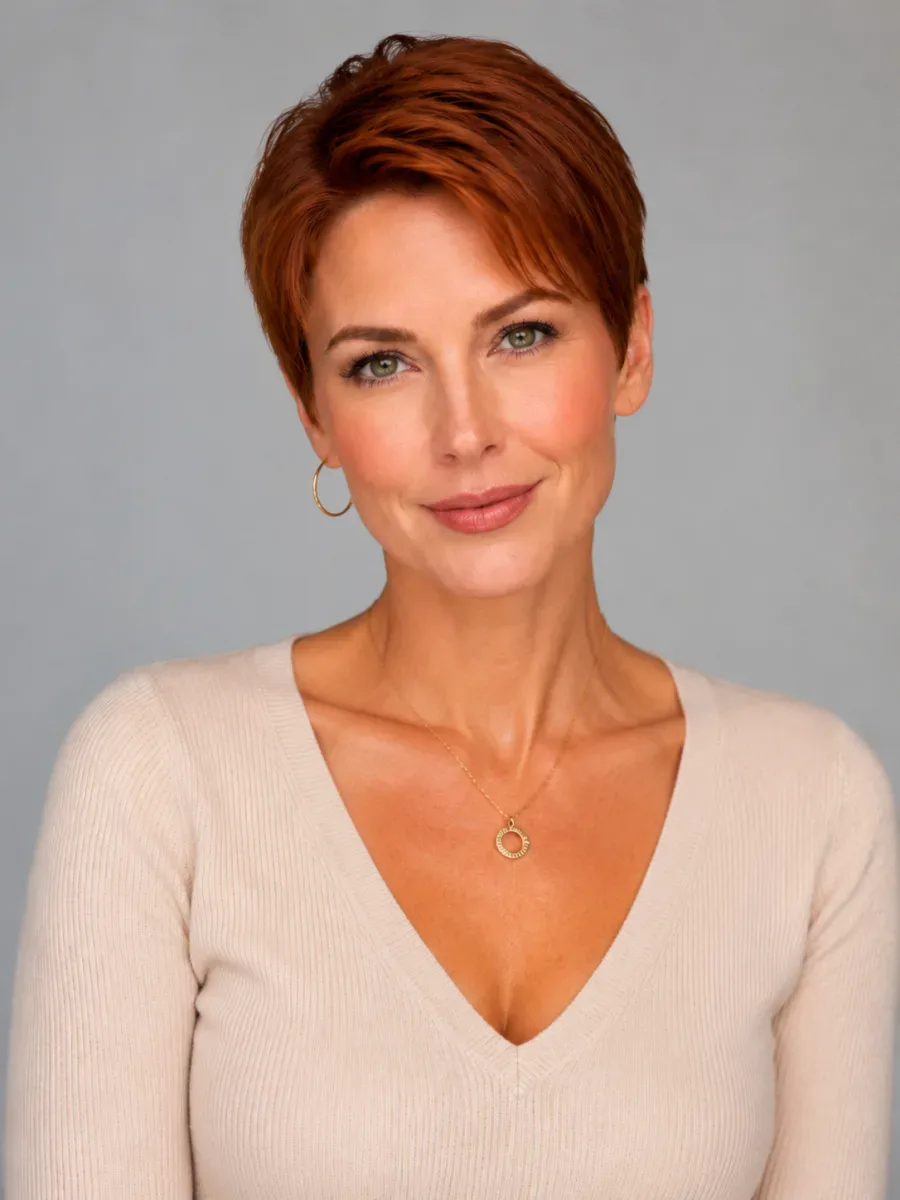
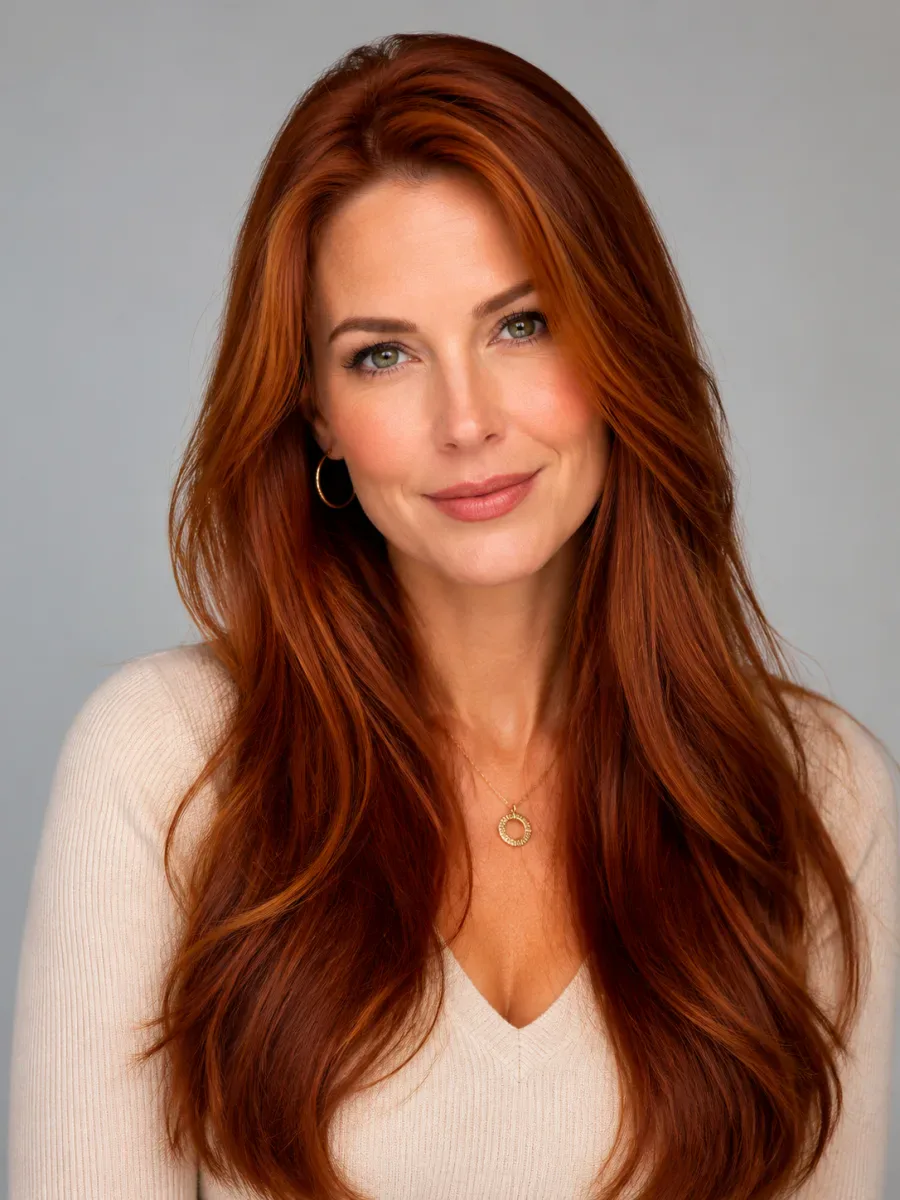
Pixie cut
Long copper hair cut into a short, textured pixie that keeps its copper shade.
Try this hairstyleTry hairstyles on your face before you book the salon. Upload one selfie, choose a haircut, bangs or a new hair color, and the AI hairstyle try-on changes only your hair — your face, clothes and background stay as they are.
New accounts get one free AI model preview. Trying a style on your own photo uses credits, and a failed run is refunded automatically.
Hairstyle reference photo (optional)
For the most realistic result, use a well-lit photo of one person facing the camera with the hair visible.
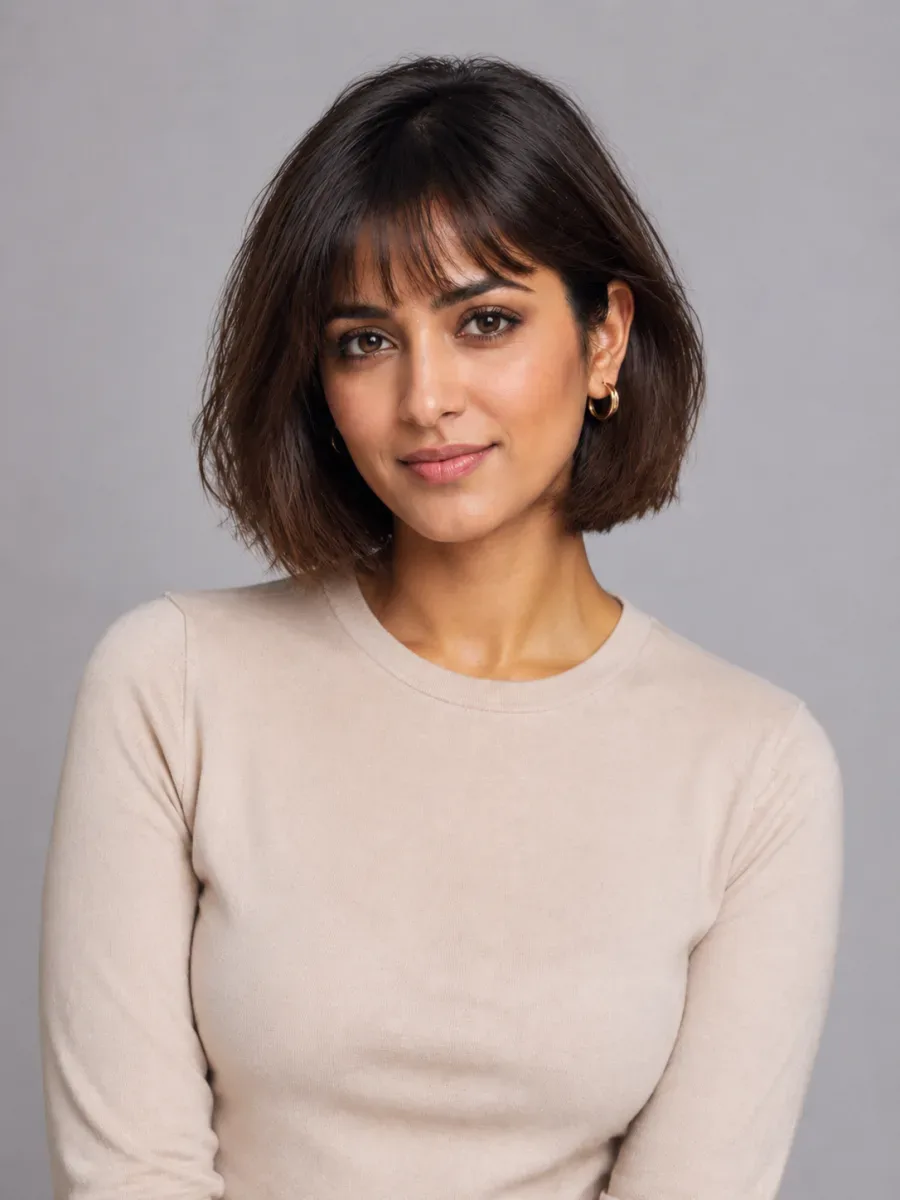
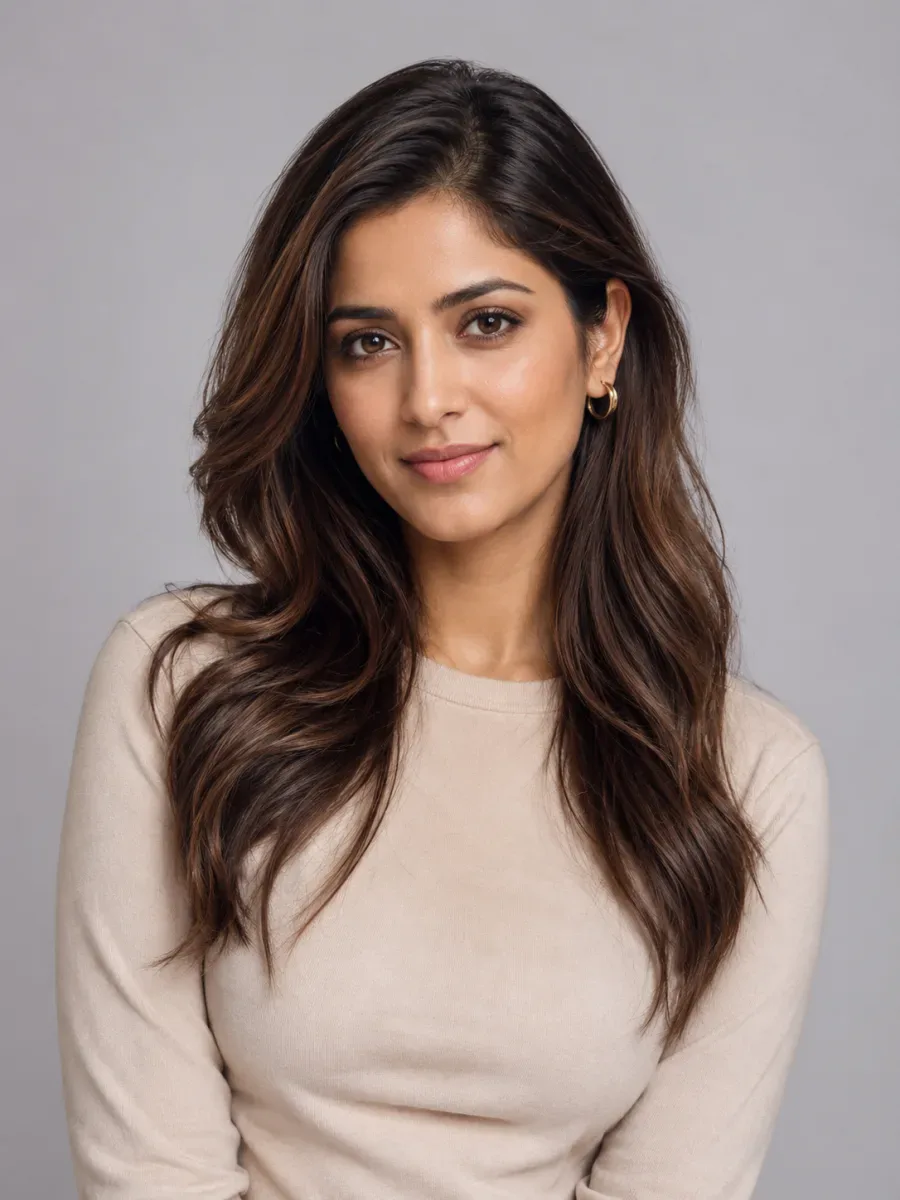
Try the style
Gender
Hairstyle
♀ 48 stylesHair Color
Quality
Searching “AI hairstyles for my face” mostly turns up photos of other people. An AI hairstyle try-on works the other way round: every bob, layer, braid, bun, fade and crop below can go on your own selfie, so you judge the cut on your face instead of someone else's.
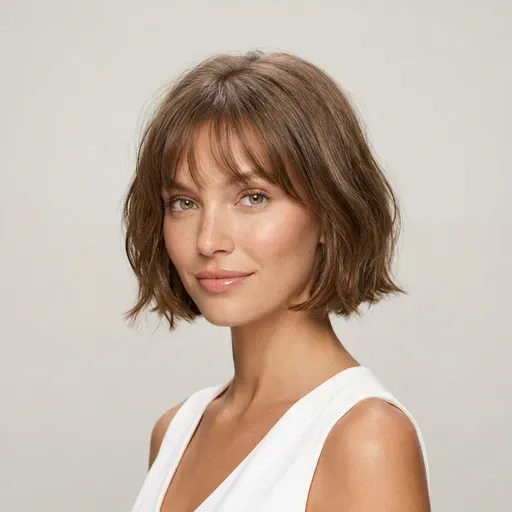
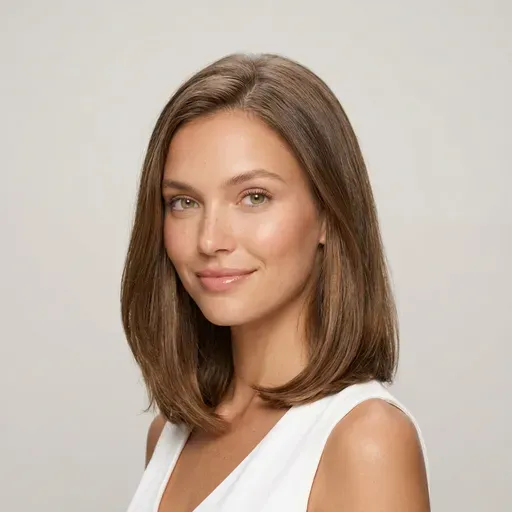
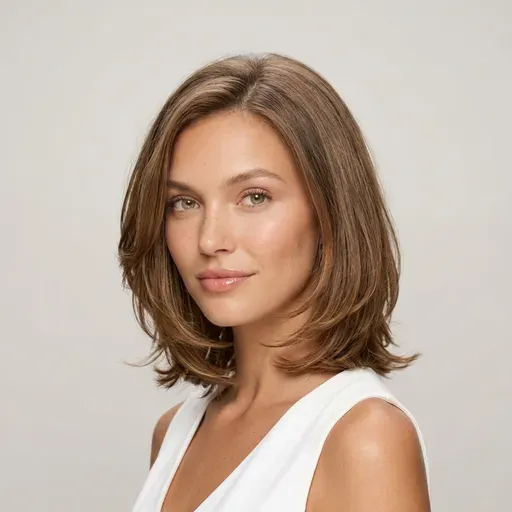
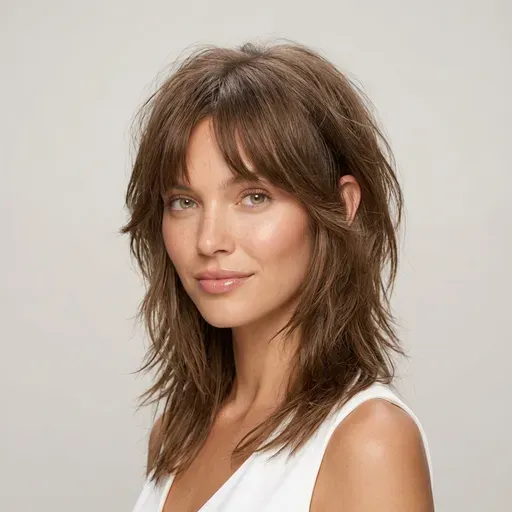
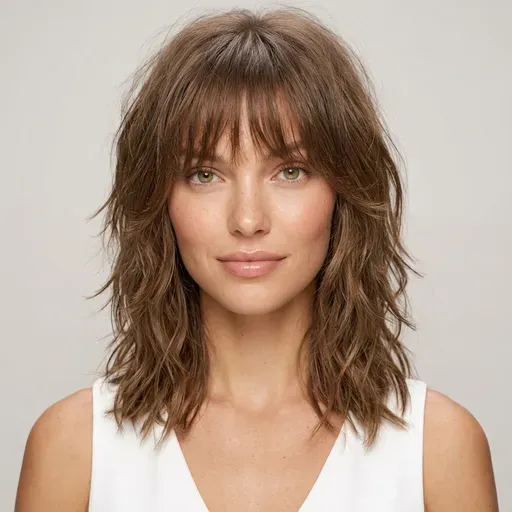
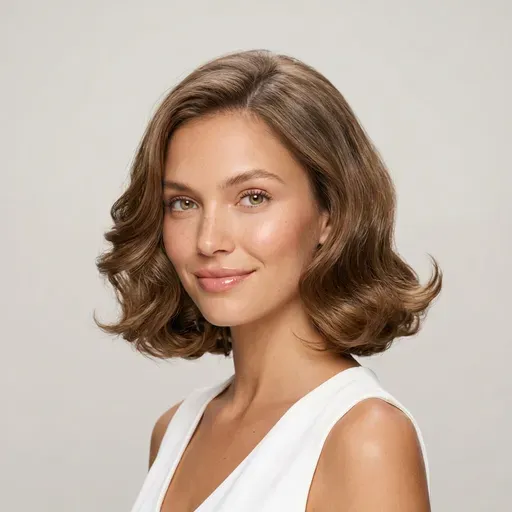
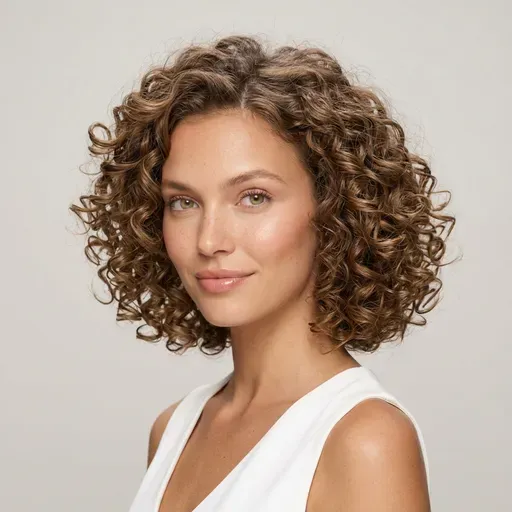
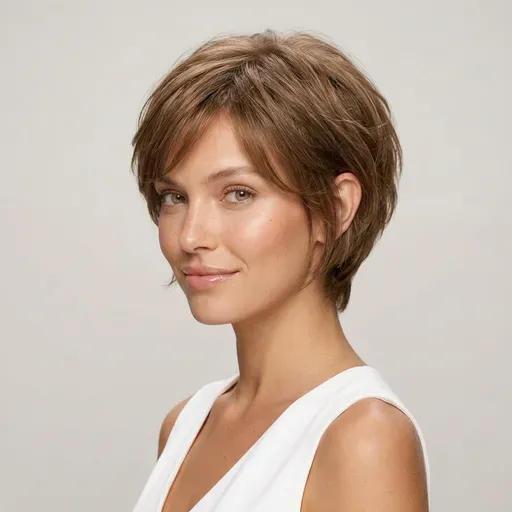
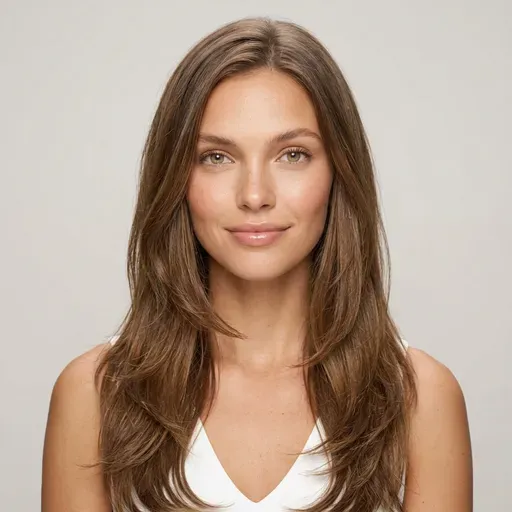
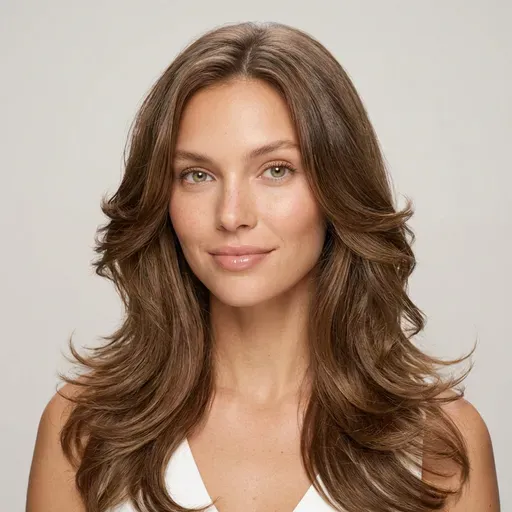
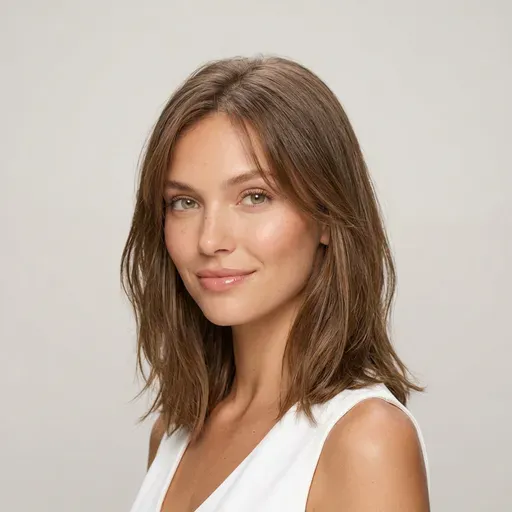
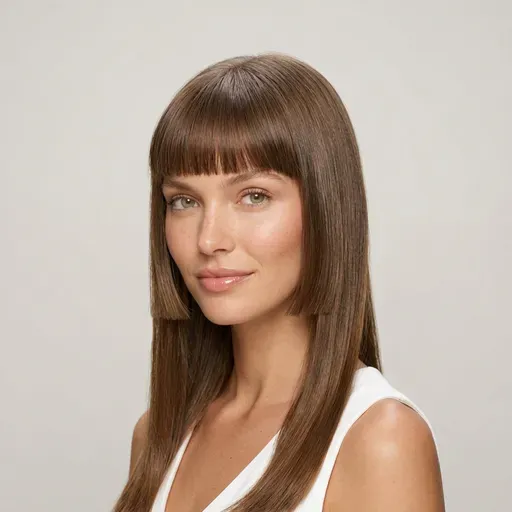
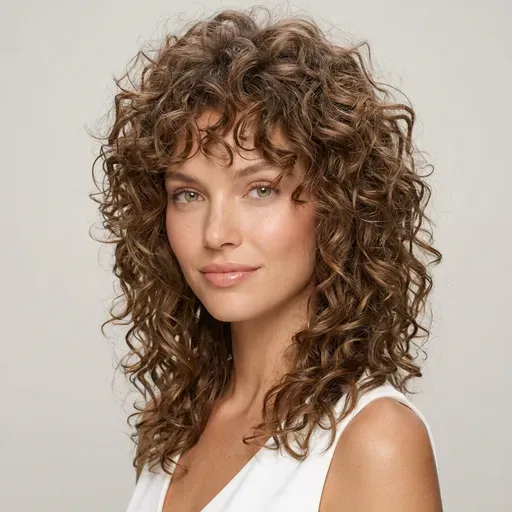
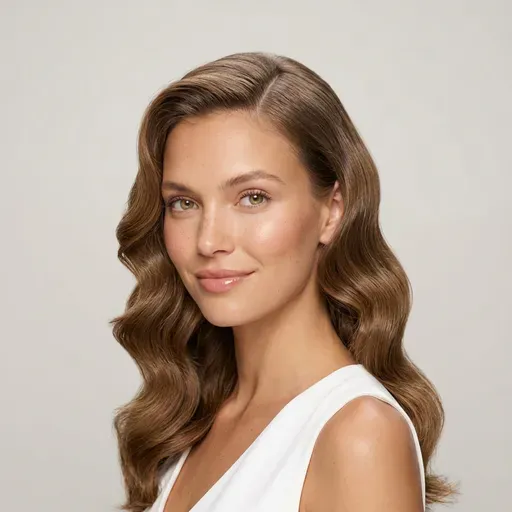
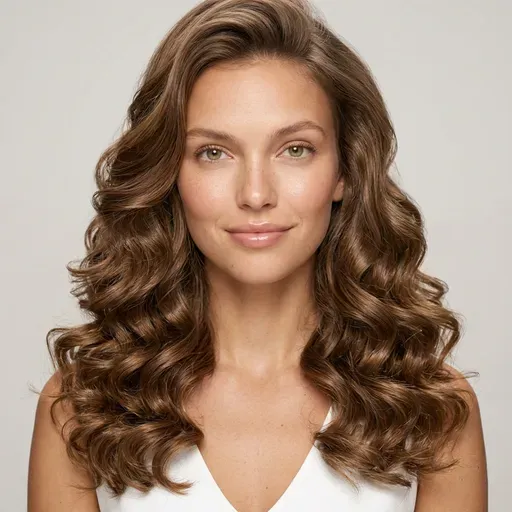
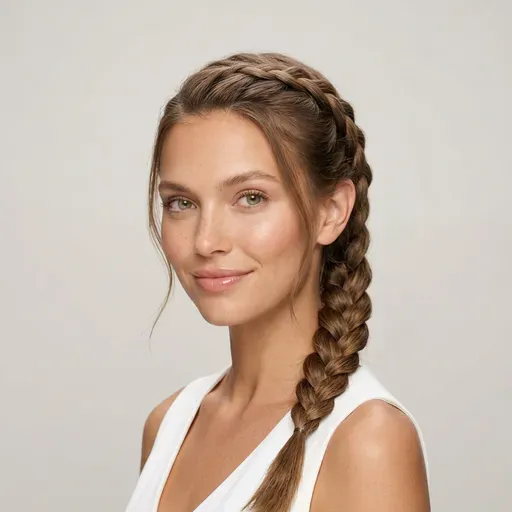
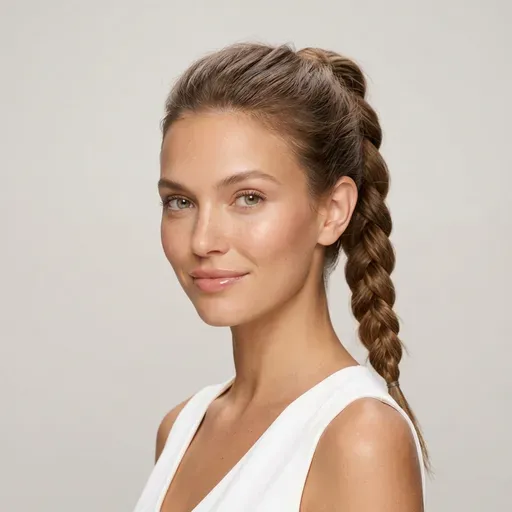
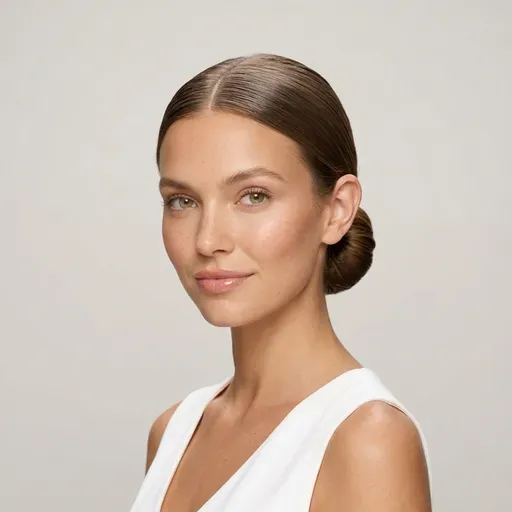
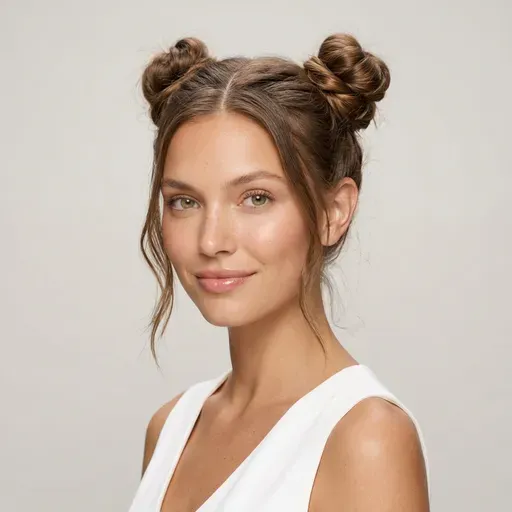
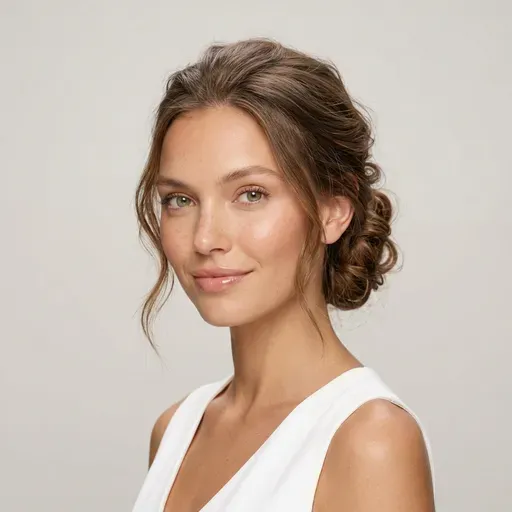
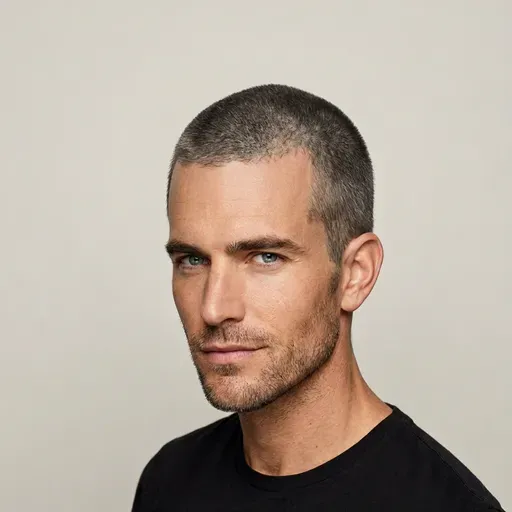
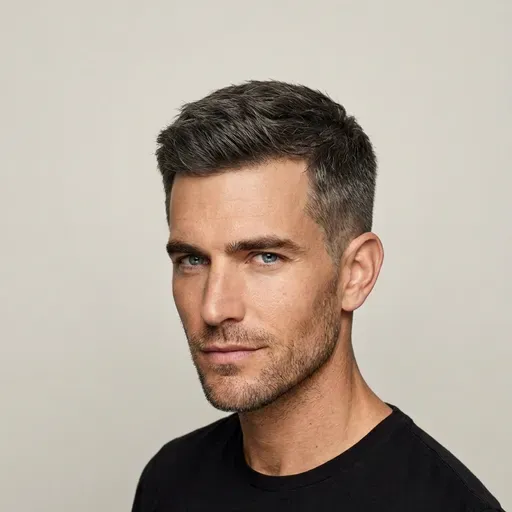
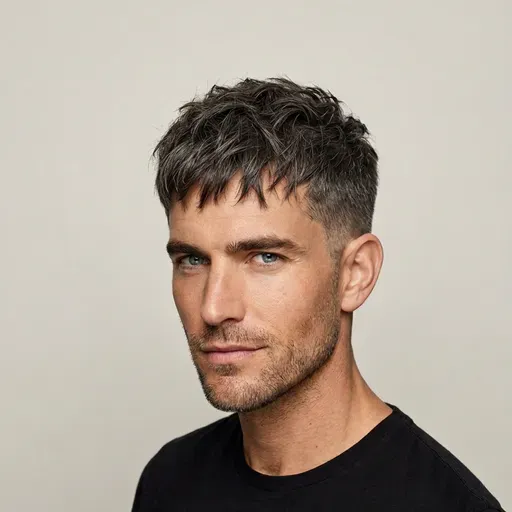
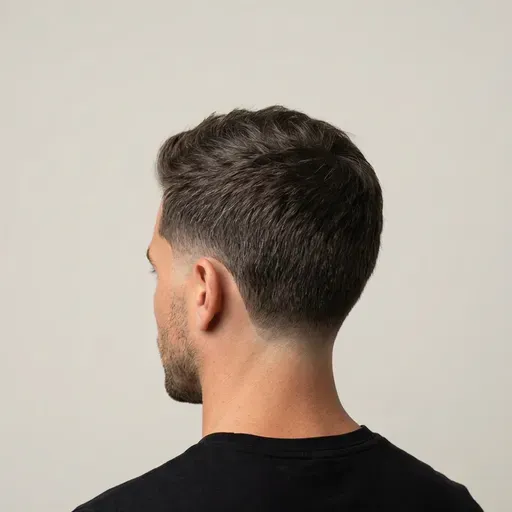
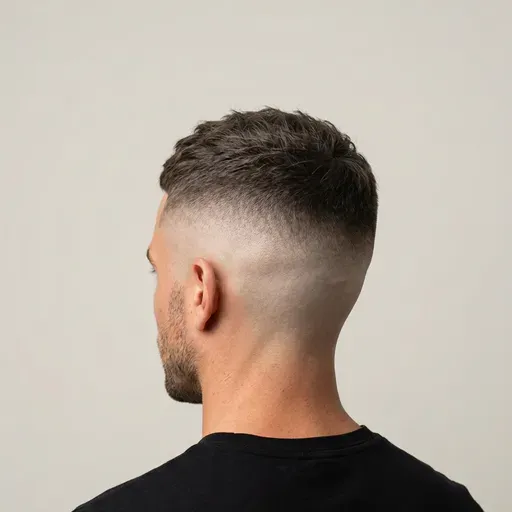
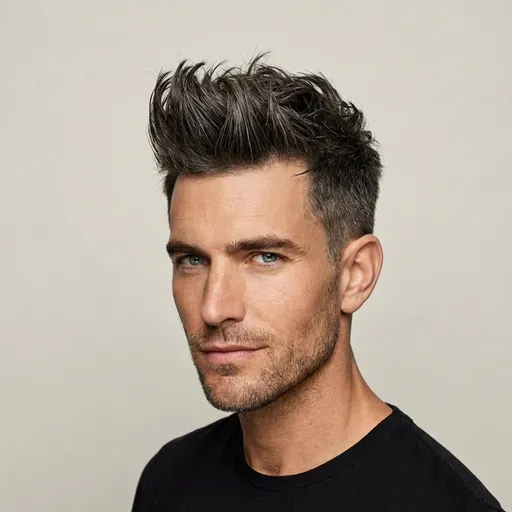
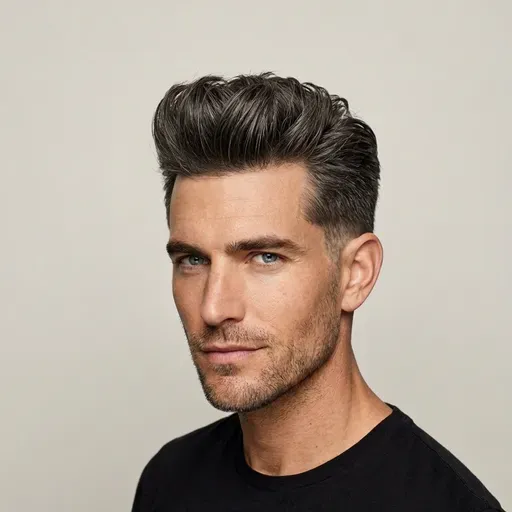
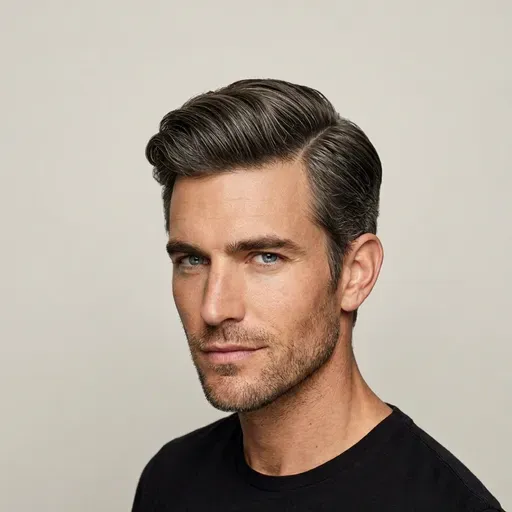
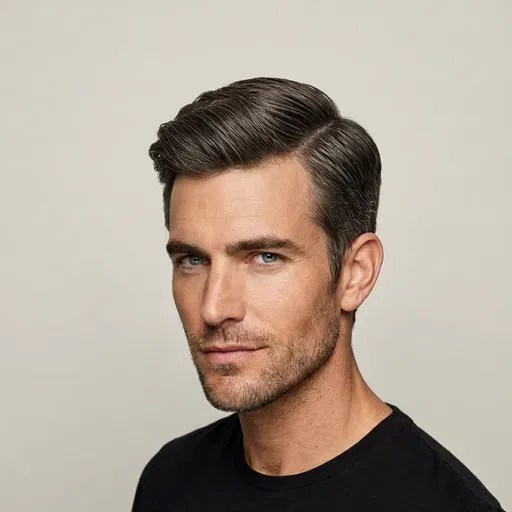
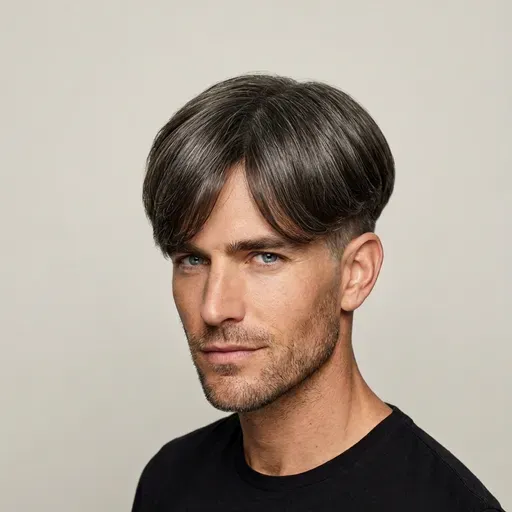
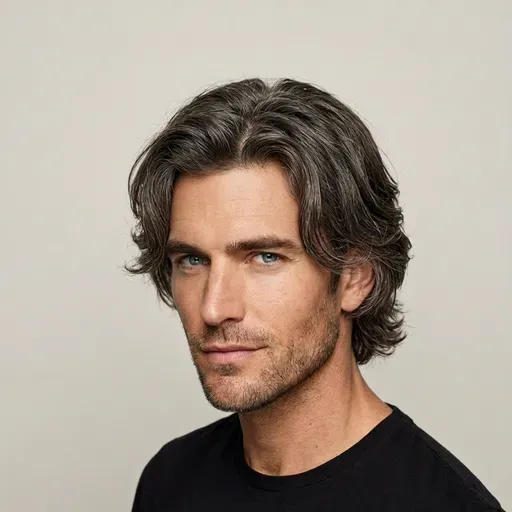
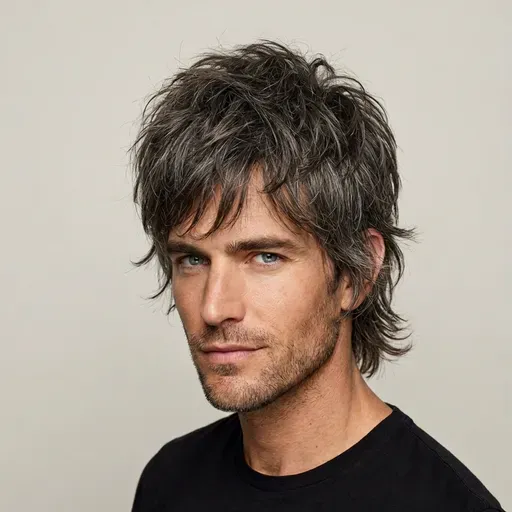
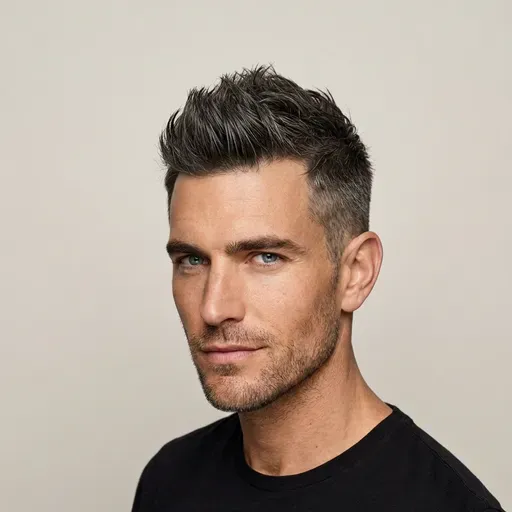
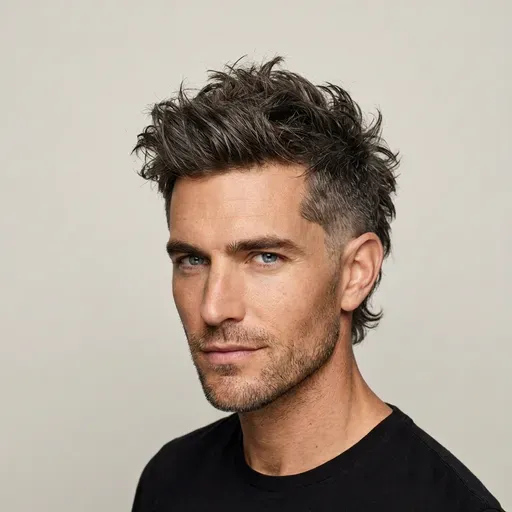
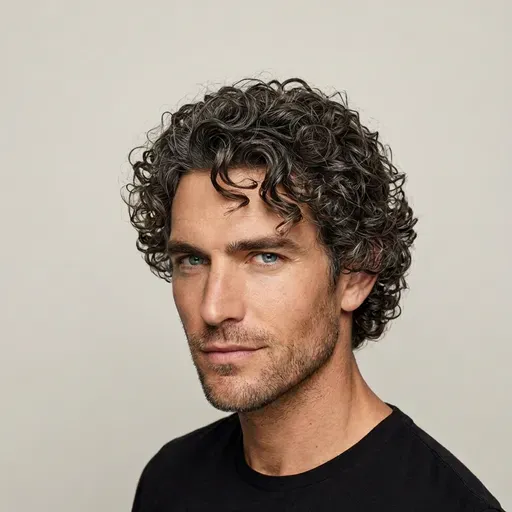
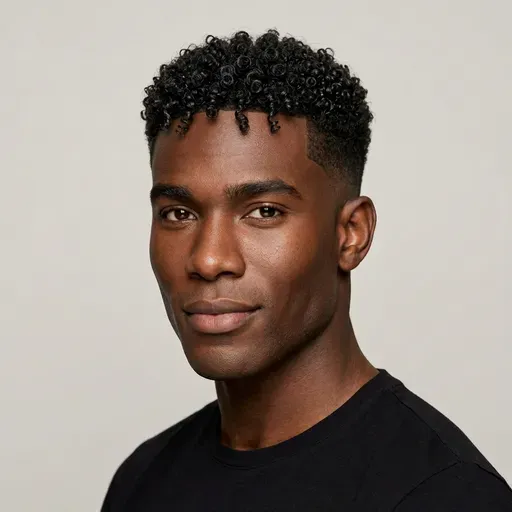
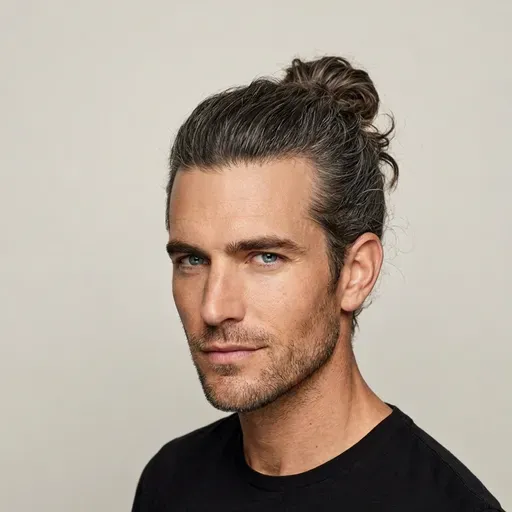
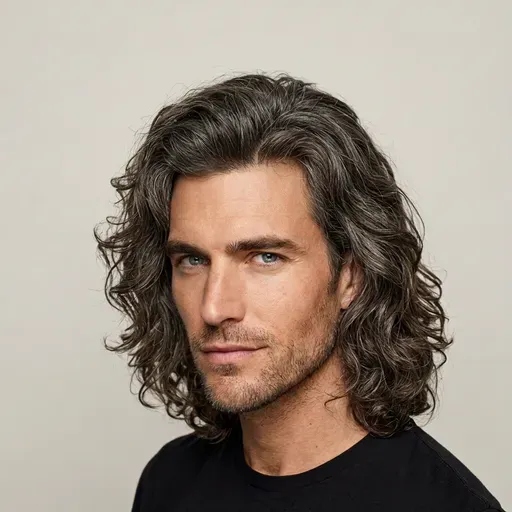
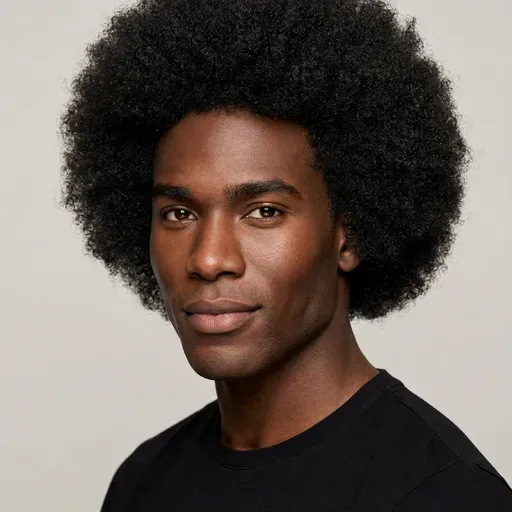
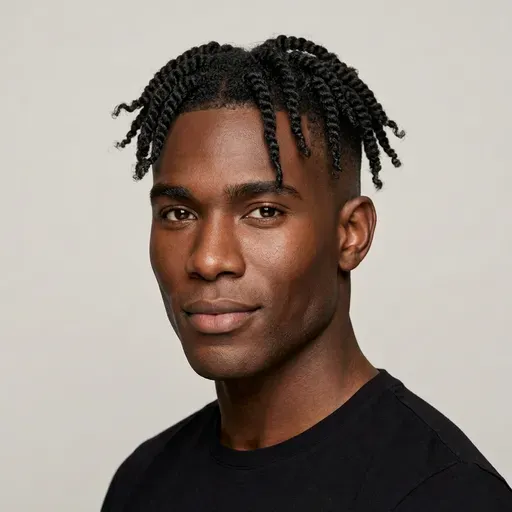
Pick a ready-made hairstyle, see it on your own face and test new colors — one at a time, or a cut and a shade together in a single AI hairstyle try-on.
Scroll through women's and men's haircuts and bangs, with beard styles in the beard simulator. Every preset is ready for a virtual hairstyle try-on, no prompt needed. Seen a cut you love somewhere else? Add its photo as a reference and the AI hairstyle try-on copies it onto you.
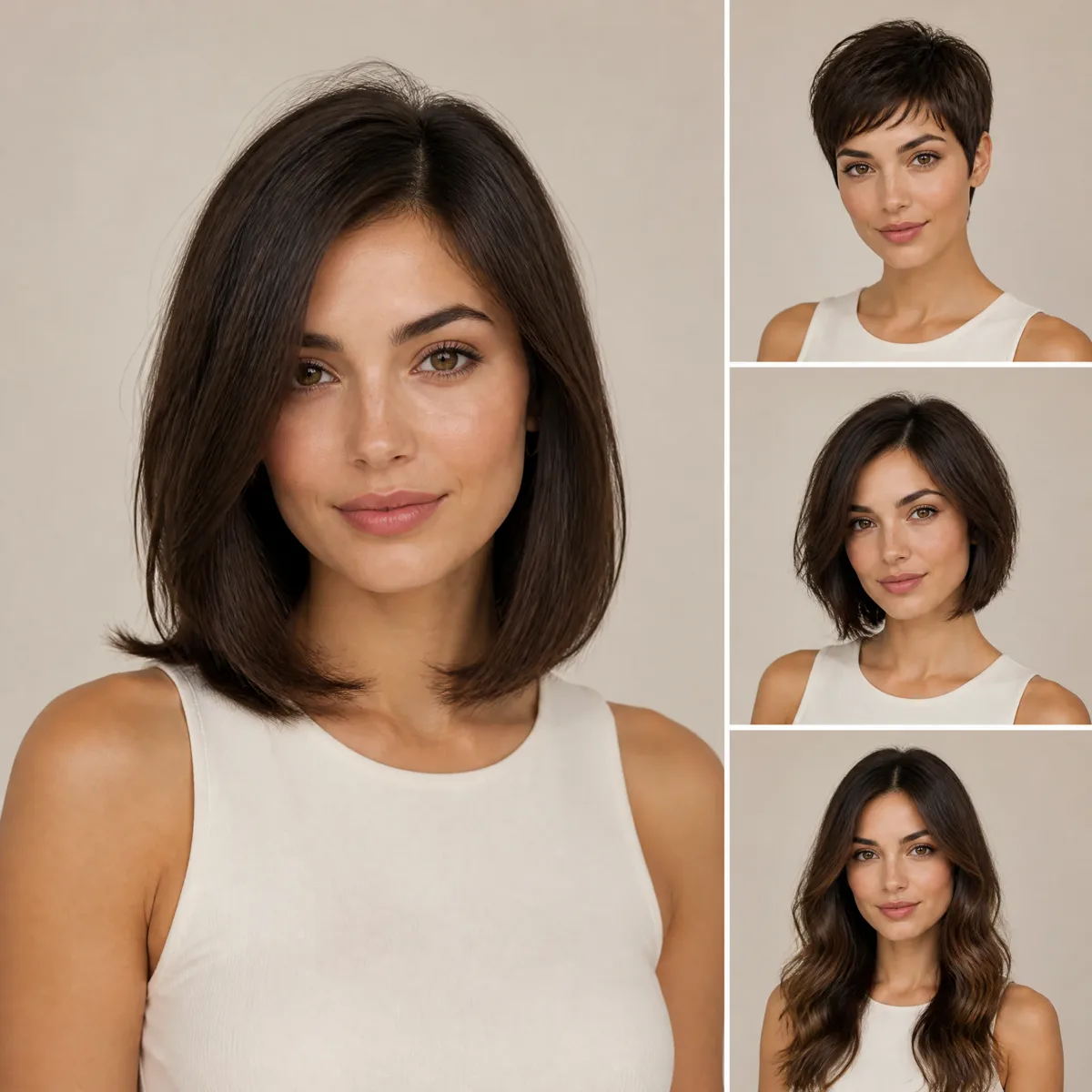
Upload one selfie and the AI hairstyle try-on redraws only your hair. Your face, clothes, background and lighting stay as they were, so the try-on result still looks like you.
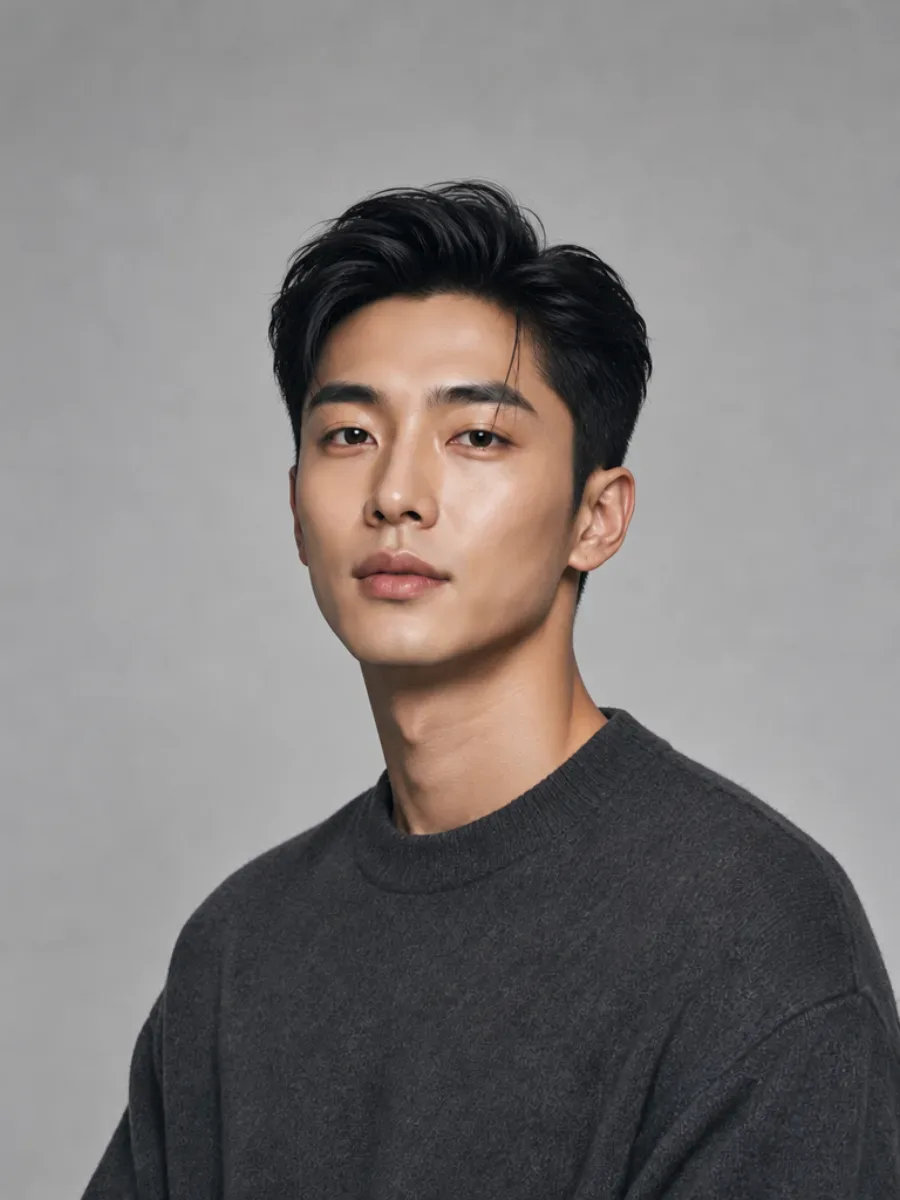
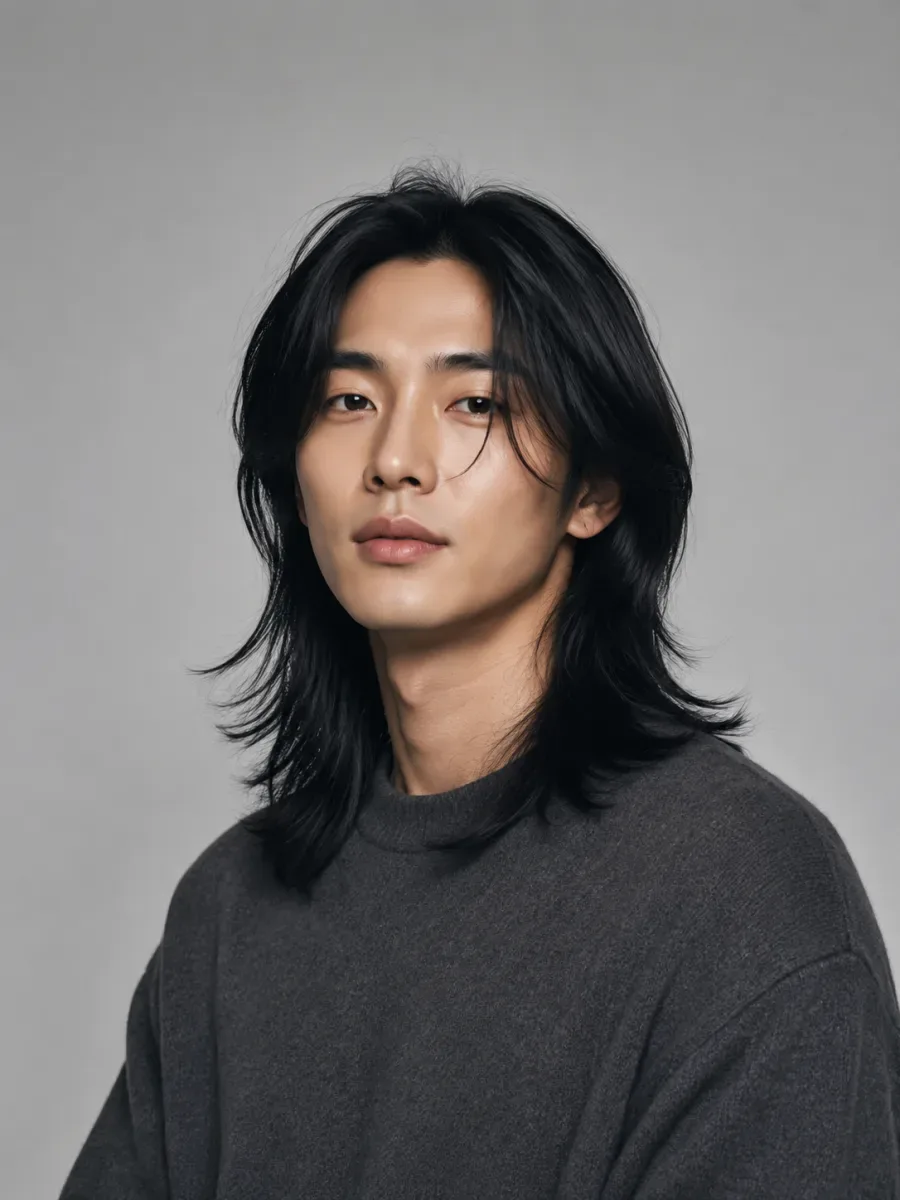
Your AI hairstyle try-on covers color too. Test platinum blonde, copper, caramel balayage, pastel pink or electric blue on your own photo, or let the AI suggest a shade that suits your skin tone.
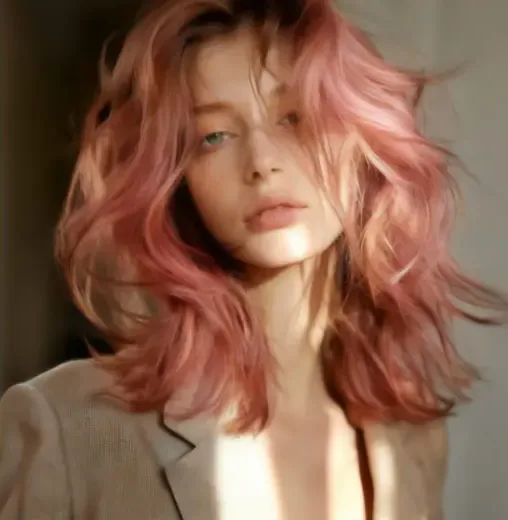
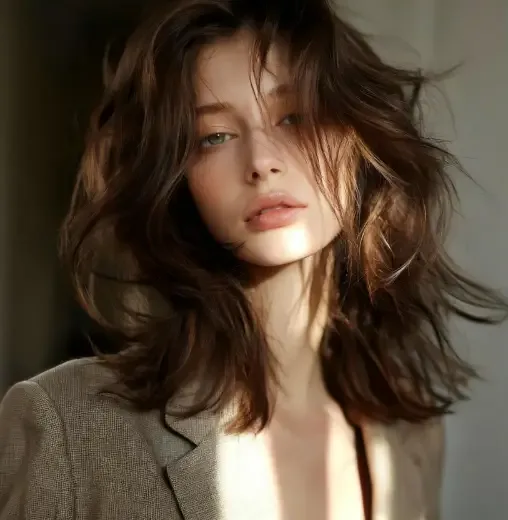
A short cut takes months to grow out and a bold color is hard to undo. An AI hairstyle try-on lets you see either change on your own face before you commit.
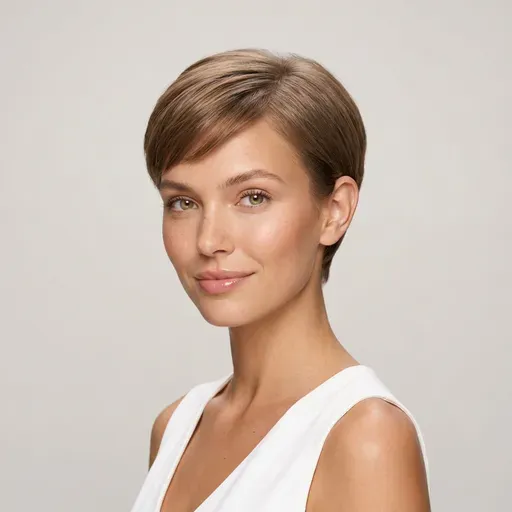
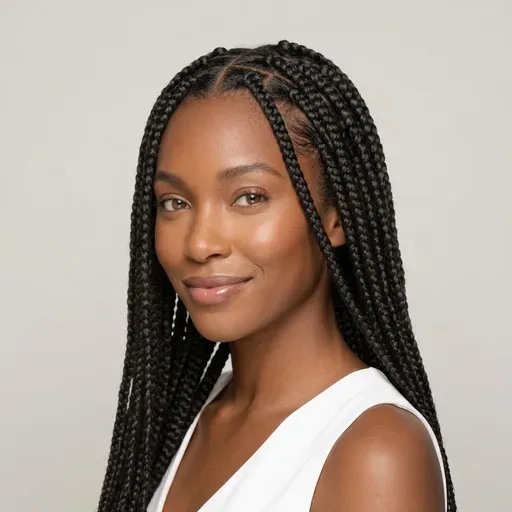
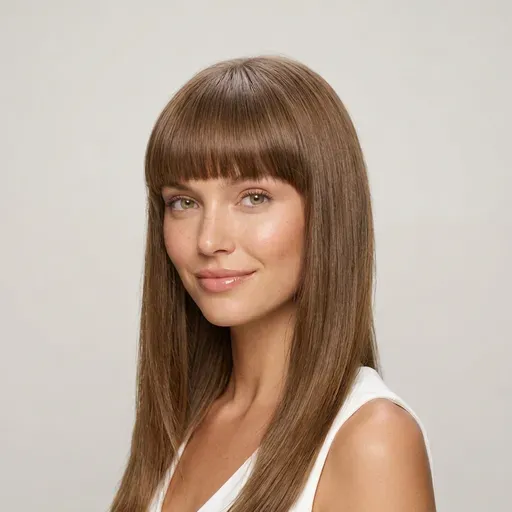
The AI haircut simulator starts from presets, not a blank text box. Every hairstyle is grouped the way you would describe it at the salon, each with a sample photo. Not ready to use a selfie? Preview a hairstyle on an AI model first, then run an AI hairstyle try-on on your own photo.
Short & Pixie
Pixie, bixie, cropped
Bob & Lob
Blunt, French, layered
Long & Layered
Layers, waves, butterfly
Curly & Braids
Curls, afro, box braids
Bangs
Curtain, blunt, wispy
Men's Cuts & Fades
Crew cut, quiff, fade
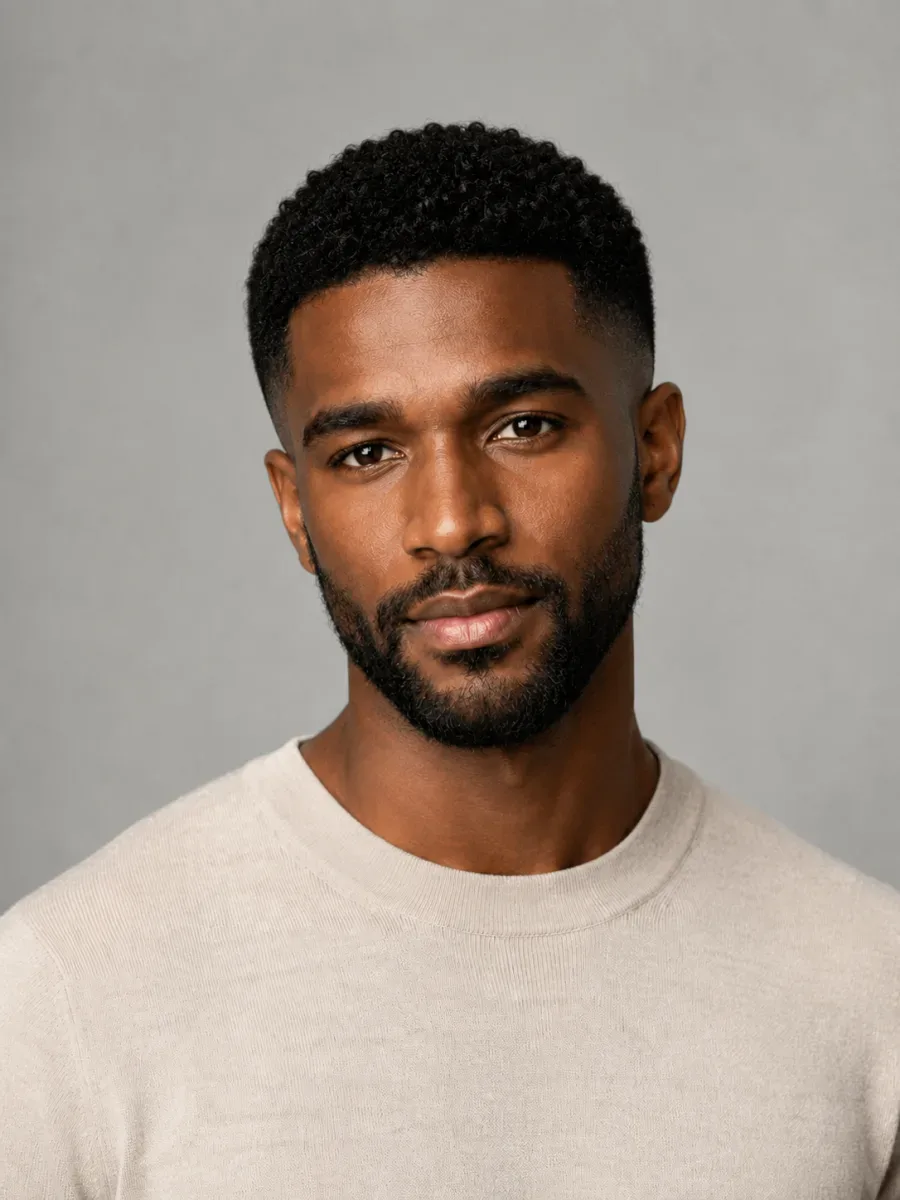
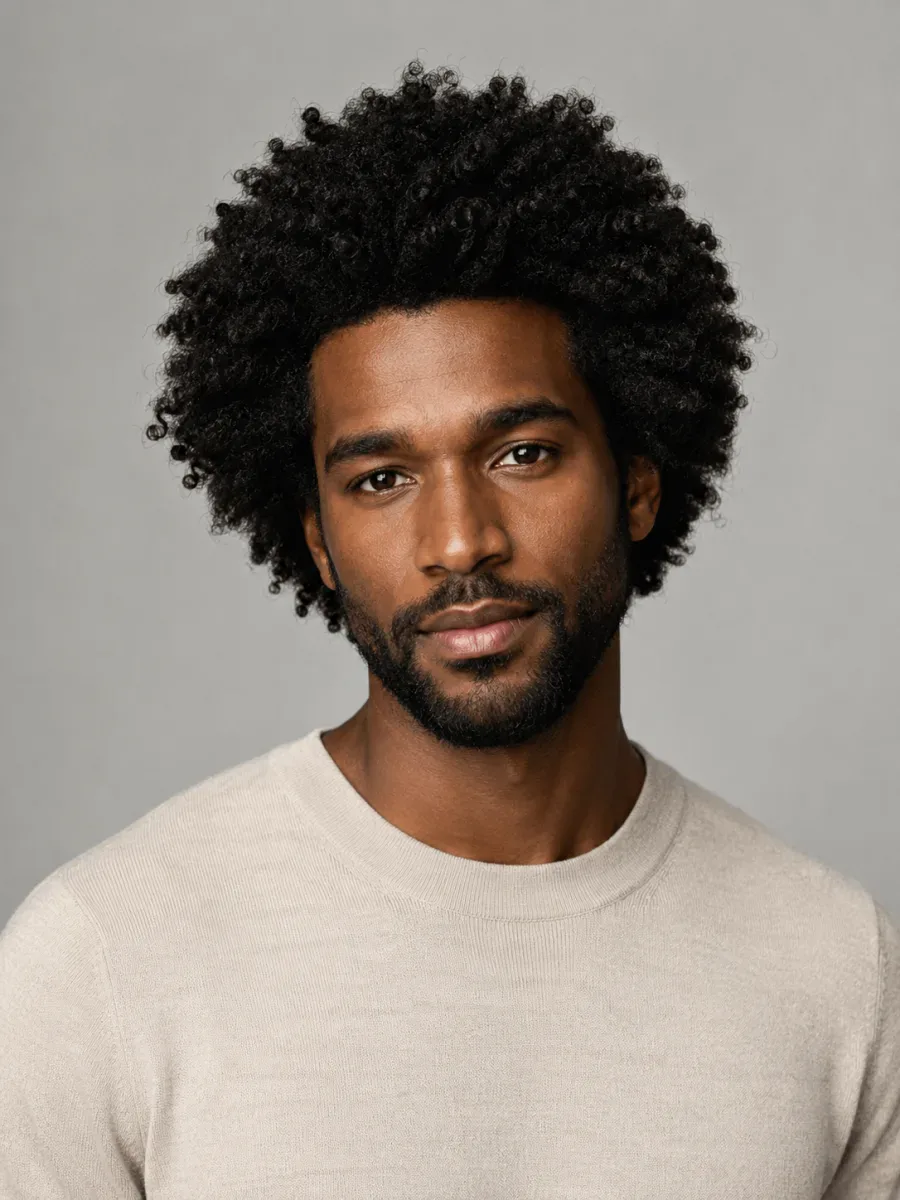
This AI hair changer redraws your hair and nothing else. Length, texture and color can change, but the person in the photo does not. That is what makes an AI hairstyle try-on worth trusting: you judge the cut on your own features, not on a model's.
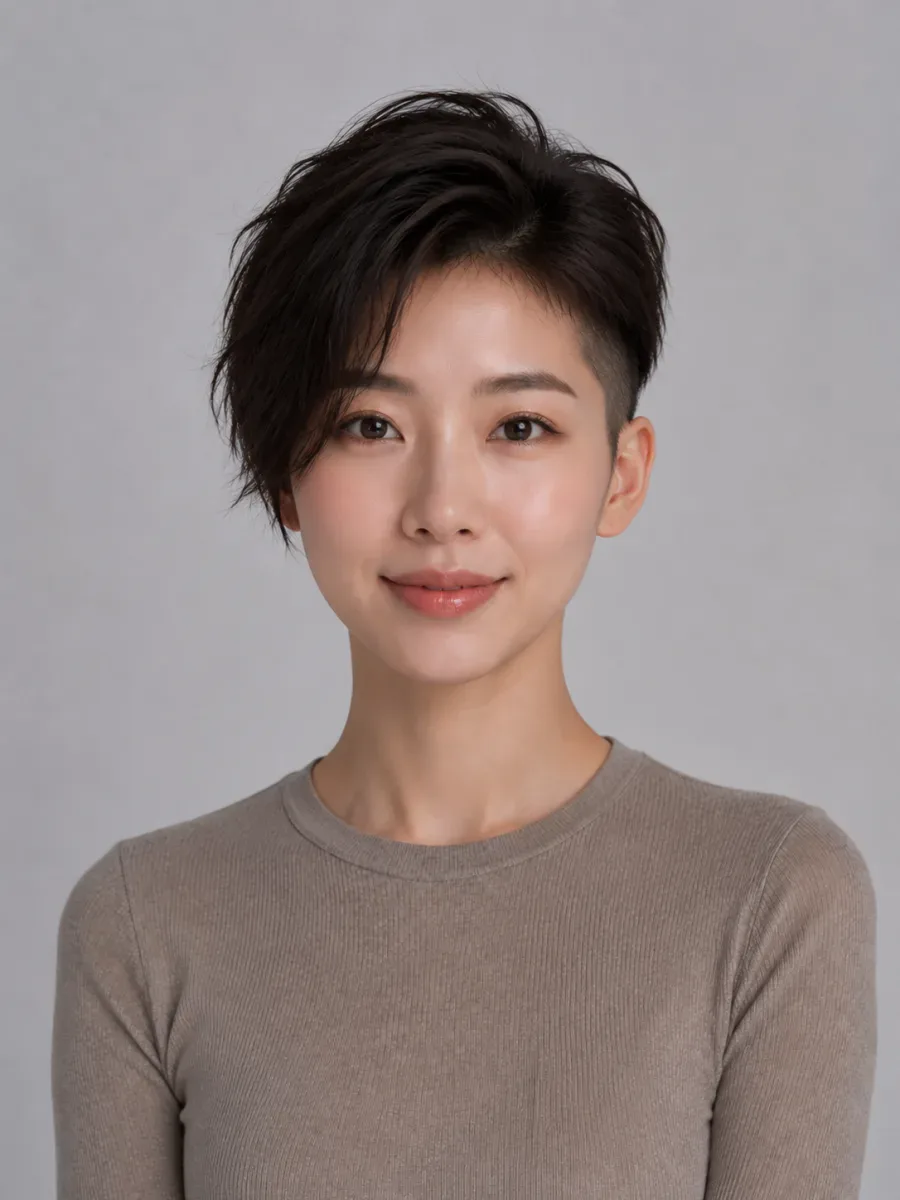
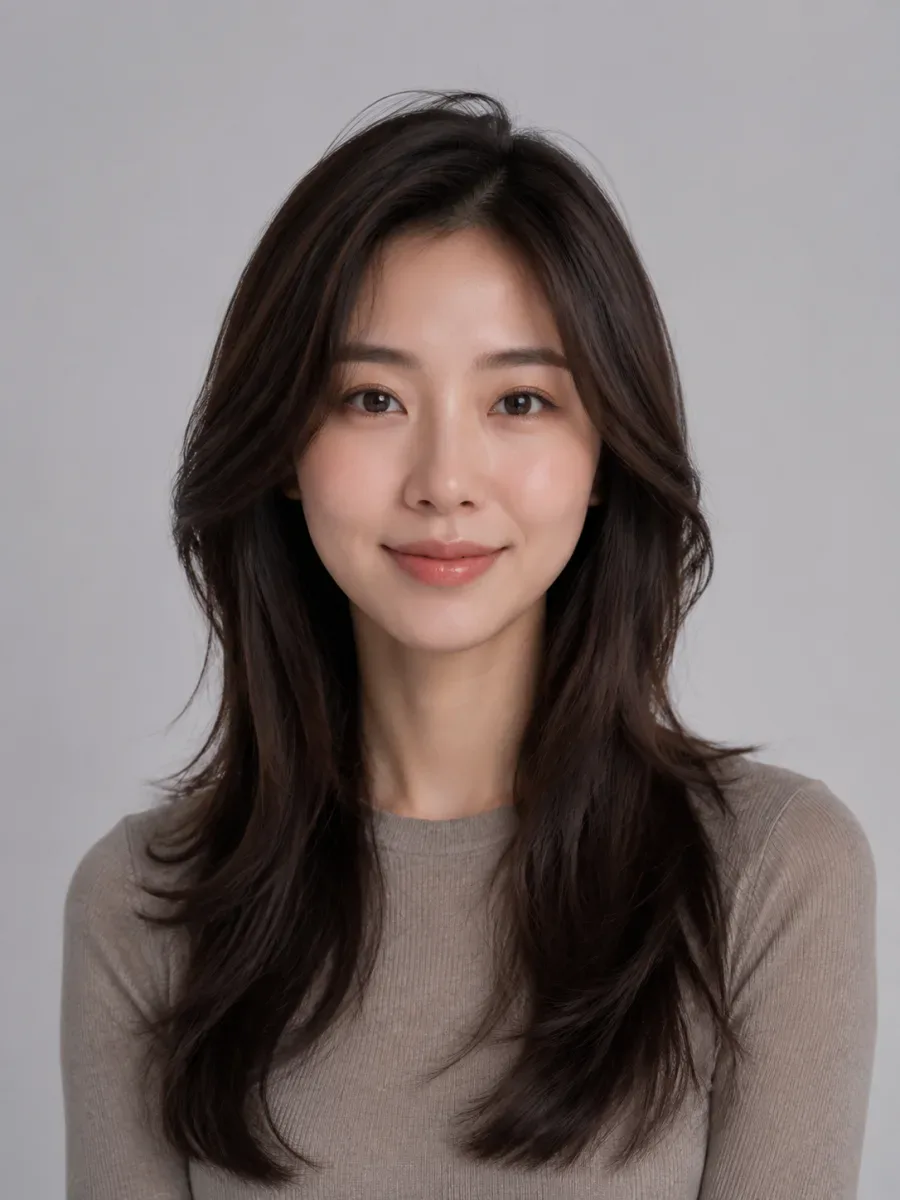
An AI hairstyle try-on takes the guesswork out of a big change. Compare the before and after, try a few versions on the same photo and take your favorite to the appointment.
Your photo is sent to our AI provider only to create the try-on you asked for. Each AI hairstyle try-on is saved to your account history, visible only to you when signed in, and support can delete your photos on request.
A new hairstyle or hair color is a big decision. An AI hairstyle try-on lets you see it on your own photo first, so you know what you want before you sit in the salon chair.
Your hair worries
Once the scissors go in, there's no going back — and growing out a haircut you regret can take months.
A hairstyle that looks great on a model may not suit your face shape, and it's hard to imagine the difference from a photo of someone else.
Warm, cool, bold or natural — a color swatch rarely shows how a shade will actually look next to your skin.
Every cut, color and consultation costs money, so trying several looks for real adds up quickly.
How AI Hair Makeover helps
Preview a new haircut before anyone picks up the scissors. Don't like it? Simply try another one.
Upload one selfie and the AI hairstyle try-on shows a new style on your own face, usually within seconds to a minute.
Compare natural shades and bold colors on your own photo — no bleach, no dye, no damage to your hair.
Save the result of your AI hairstyle try-on and bring it to your next appointment, so your stylist knows exactly what you have in mind.
Upload a selfie, pick a look and let the AI hairstyle try-on do the rest. Only your hair changes — your face, clothes, background and lighting stay the same.
Start with a clear, front-facing photo in JPG, PNG or WebP. Good light and a fully visible face and hairline make the AI hairstyle try-on more accurate.
Browse hairstyles and haircuts, try bangs, or pick a new hair color you want to see on yourself. Beards have their own Beard Simulator.
The AI re-renders only your hair, in the style you picked. Each AI hairstyle try-on uses credits, and if one fails, those credits are refunded automatically.
Compare each try-on with your original photo and test a few more looks. Once your online hair makeover looks right, download it for your next salon visit.
“Which AI hairstyles for my face would actually work?” Start with these six examples. In each AI hairstyle try-on, the face, outfit and lighting stay the same — only the hair changes.
Drag the divider to compare, then tap Try this hairstyle to load that look into the tool.
Long copper hair cut into a short, textured pixie that keeps its copper shade.
Try this hairstyleA full afro trimmed to short curls on top with a low fade at the sides. A change this big is exactly what an AI hairstyle try-on is for.
Try this hairstyleLong layers swapped for a chin-length bob with soft, wispy bangs.
Try this hairstyleShoulder-length hair taken short, with volume on top swept to one side.
Try this hairstyle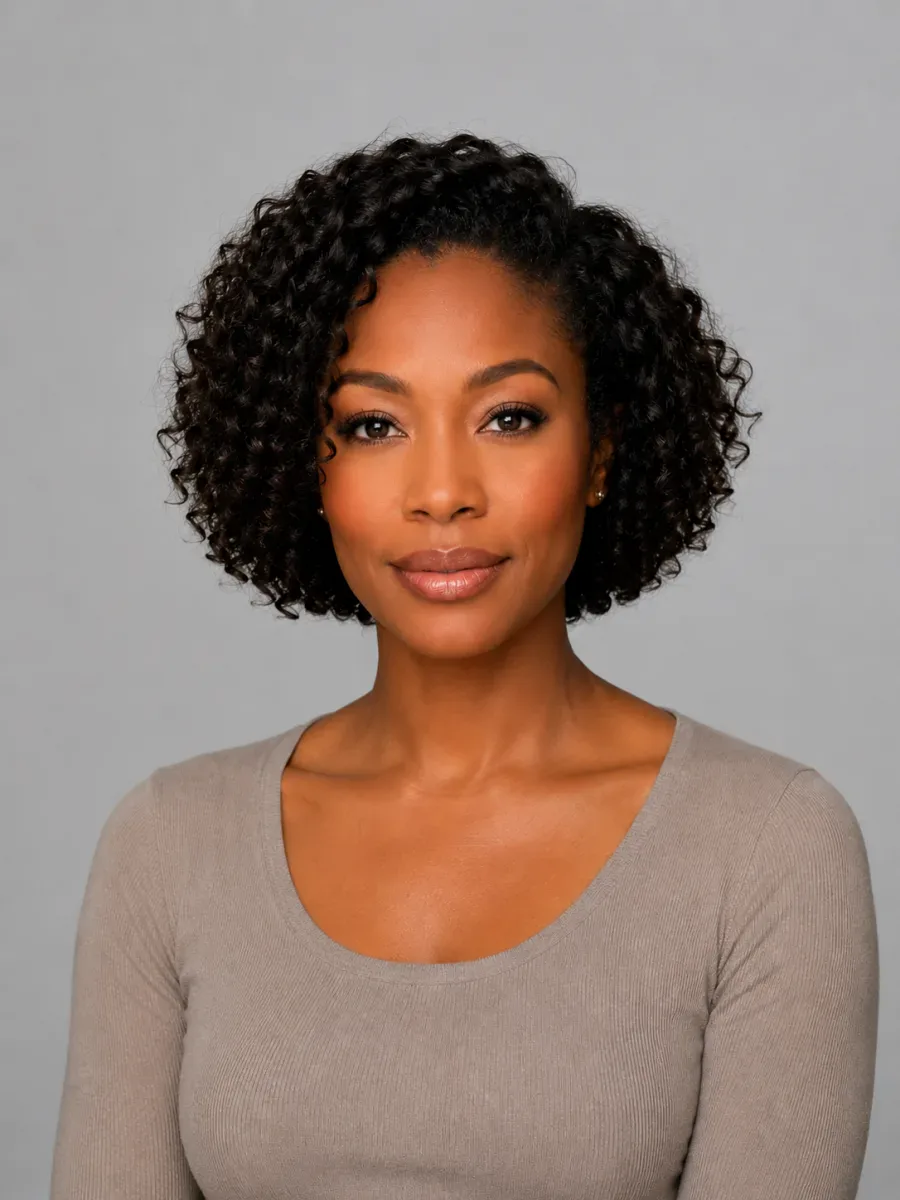
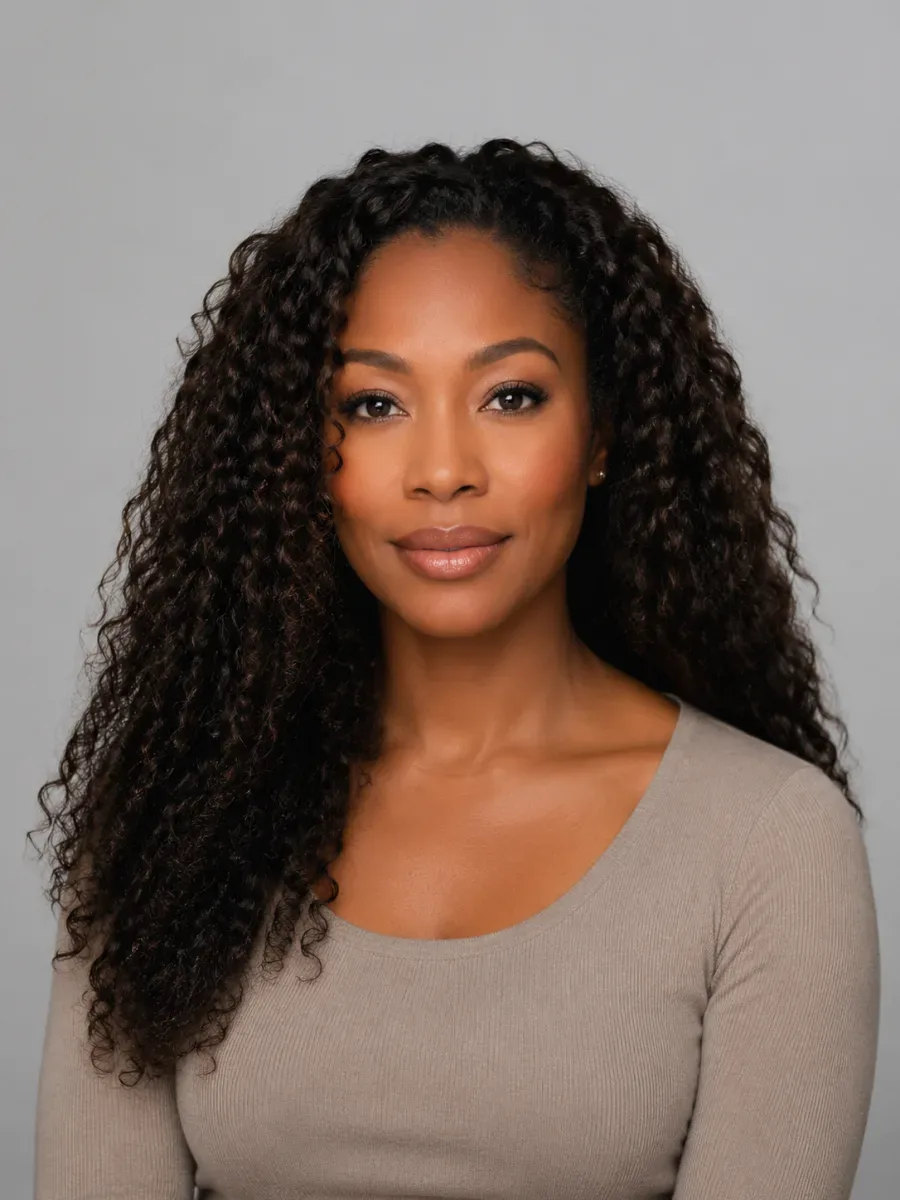
Long spiral curls shortened to a rounded bob. The AI hairstyle try-on keeps her natural curl pattern.
Try this hairstyle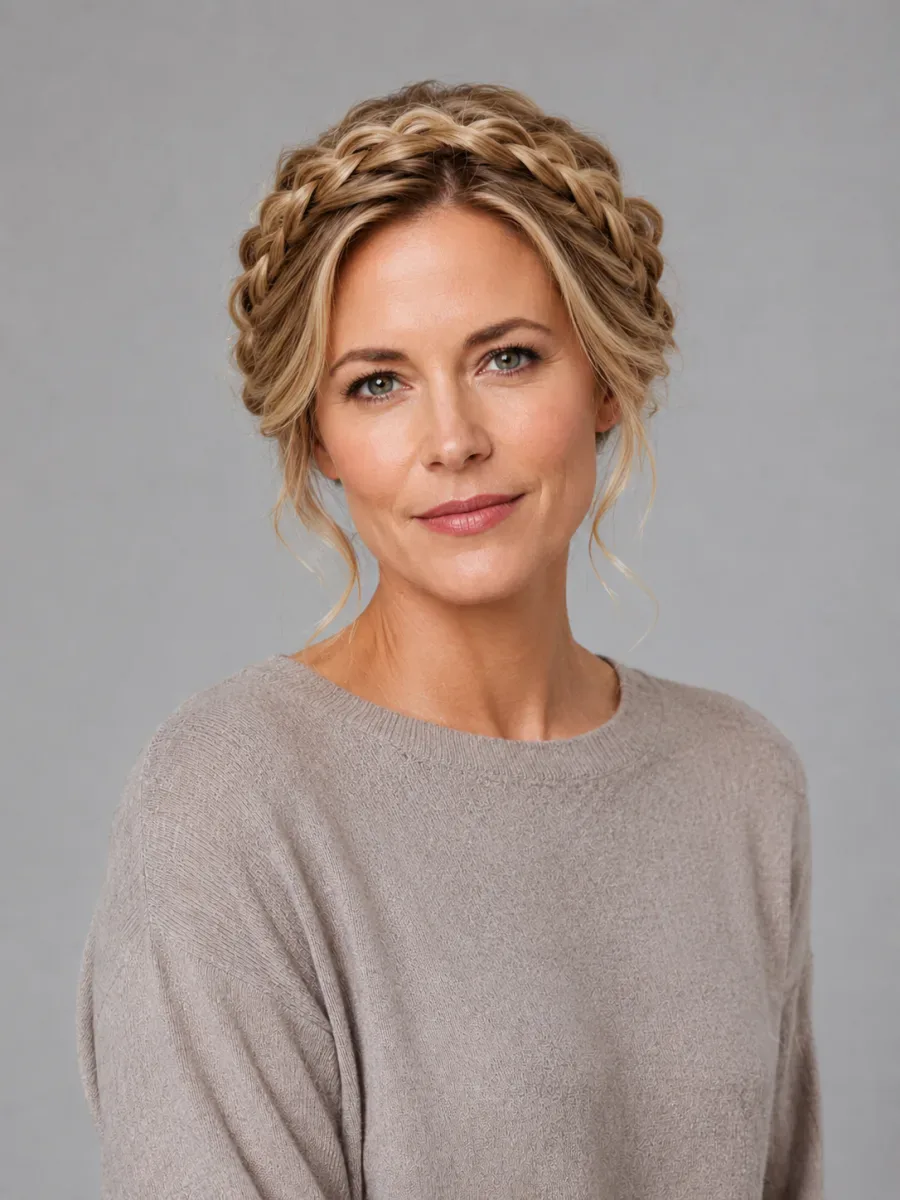
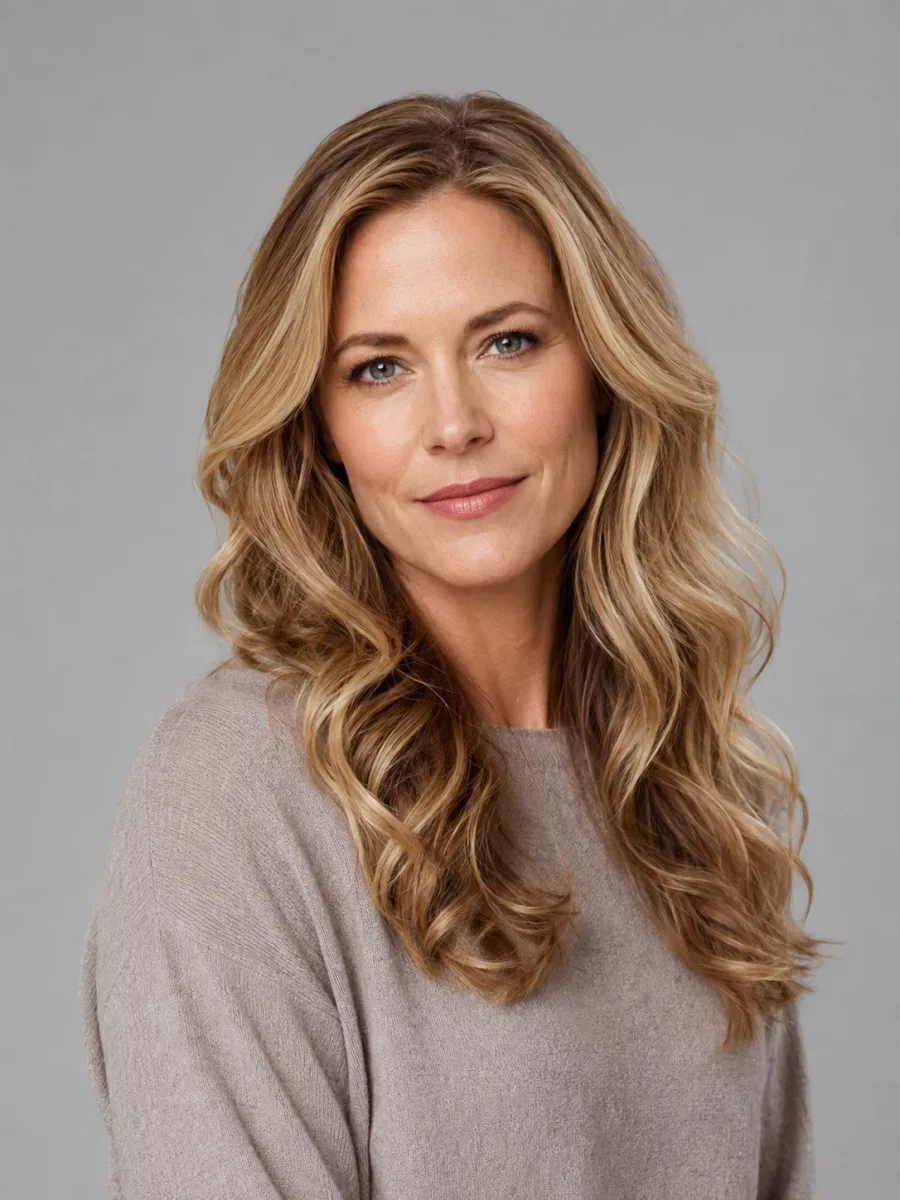
Loose blonde waves styled into a braided crown. Planning a wedding look? Test it with an AI hairstyle try-on before your hair trial.
Try this hairstyleChat prompts, social filters and a talk with your stylist can all help you picture a new hairstyle. Here's how a dedicated AI hair changer compares. The big difference: AI hairstyle try-on changes only your hair, while prompts and filters may also alter your face or background.
Built for hairstyles and hair color
General chat or image AI
Camera effects in social apps
Describe it and look at photos
Every AI hairstyle try-on result is a preview of how a hairstyle could look on you, not a guarantee of the final cut. Save the look you like and talk it through with your stylist.
Want a hairstyle changer online that keeps you looking like you? Sign up for free credits to see one AI model preview, then choose a plan or credit pack to try any hairstyle on your own photo.
Try it on your photoChoose the plan or credit pack that fits how many new cuts and colors you want to try.
Fresh credits every month. Cancel anytime.
Try a few new looks before your next cut.
Billed monthly · cancel anytime
400credits / month
New credits every month; unused ones expire when the month ends.
What your credits make
| Generation | Per month | Each |
|---|---|---|
| Try-on on your photo | 50 | $0.20 |
| HD 1K on your photo | 25 | $0.40 |
| AI model preview | 200 | $0.05 |
Includes
Explore every cut and color you're curious about.
Billed monthly · cancel anytime
1,000credits / month
New credits every month; unused ones expire when the month ends.
What your credits make
| Generation | Per month | Each |
|---|---|---|
| Try-on on your photo | 125 | $0.16 |
| HD 1K on your photo | 62 | $0.32 |
| AI model preview | 500 | $0.04 |
Includes
For stylists and salons showing clients their options.
Billed monthly · cancel anytime
2,200credits / month
New credits every month; unused ones expire when the month ends.
What your credits make
| Generation | Per month | Each |
|---|---|---|
| Try-on on your photo | 275 | $0.15 |
| HD 1K on your photo | 137 | $0.30 |
| AI model preview | 1,100 | $0.037 |
Includes
1 hairstyle try-on = 8 credits · HD from 16 credits.
Pick the AI hairstyle try-on tool for the job: a new cut, a new color, a beard or a hairstyle that suits your face shape.
FAQ
Straight answers on photos, results, credits and privacy before your first upload.
An AI hairstyle try-on shows a new haircut, hair color, bangs or beard on your own photo. Upload one selfie, pick a hairstyle or describe one, and the AI redraws only your hair. Your face, expression, clothes, background and lighting stay as they are.
Upload a clear front-facing selfie, then pick a hairstyle preset or a hair color, or describe your own. Google's Nano Banana image-editing model re-renders the hair and leaves everything else alone. The result appears on screen and is saved to My Looks.
Only partly. New accounts get free credits for exactly one AI model preview, where an AI-generated model wears the style instead of you. An AI hairstyle try-on on your own photo uses credits from a plan: monthly, yearly or a one-time pack. Failed generations are refunded automatically.
Use a sharp, front-facing selfie in soft, even light, with your hairline and current hair visible. Look straight at the camera, keep one person in the frame, and avoid hats, sunglasses, heavy filters and hands near your face. More detail means a more convincing result.
Yes. You can try hairstyles on your face straight from your browser with one selfie. The AI hairstyle try-on redraws only your hair and keeps your face, expression, skin tone, clothes and background. Results vary with the photo, so if one looks off, try another picture or hairstyle.
Good enough to compare styles, but it's a preview, not a promise. Your own face and lighting are kept, so you can judge length, shape and color fairly. Like any virtual hairstyle try-on, it can't predict your hair's real texture or exactly how your stylist will cut it.
Usually between a few seconds and a minute, depending mostly on how busy the image model is. If it runs long, check My Looks a little later. A failed try-on refunds its credits automatically, so it costs you nothing.
Yes. Next to the women's cuts, the library has men's haircuts such as buzz cuts, fades, textured crops, quiffs, pompadours and slick-backs, plus a bald preset; beard styles are in the Beard Simulator. If your look isn't listed, describe it and the AI will draw it on your photo.
There's no automatic face-shape detection, so you decide. Our Best Haircut for My Face guide walks you through four quick measurements: forehead, cheekbones, jawline and face length. Pick the shape that fits, then run an AI hairstyle try-on with the matching cuts on your own photo.
Yes, and it's one of the smartest uses of an AI hairstyle try-on. Choose curtain, blunt, wispy, side-swept or curly bangs and see them on your own face before the scissors come out. Bangs take months to grow out, so a quick preview is worth it.
Yes. Open the Beard Simulator and pick a style, from light stubble to a full or boxed beard, goatee or mustache. The AI hairstyle try-on adds it to your selfie while your hair and face stay the same, or shows you a clean-shaven look before you shave.
Yes. Pick a hair color on its own and the AI keeps your current cut and length, changing only the shade, from jet black and honey blonde to copper or pastel pink. A color-only AI hairstyle try-on is a low-risk way to test a bold shade before you dye.
It's a cheaper, upload-free way to explore styles: the hairstyle is shown on an AI-generated model instead of your photo. Use it to shortlist looks, then run a full AI hairstyle try-on on your own selfie. New accounts get free credits for exactly one AI model preview.
Standard is plenty for a quick AI hairstyle try-on while you compare styles. HD renders up to 2K with crisper strands and edges, handy for a sharp image for your stylist. They cost different amounts of credits; the cost is shown on the button before you generate.
JPG, PNG and WebP images up to 10 MB. A recent phone selfie is ideal. Let your face and hair fill a good part of the frame and avoid blurry or heavily compressed images, because an AI hairstyle try-on can only work with the detail your photo contains.
Credits pay for every generation. They come from a monthly or yearly plan or a one-time pack, and the button shows what each AI hairstyle try-on will cost before you generate, since Standard, HD and AI model previews are priced differently. Failed generations are refunded automatically.
Yes. Every AI hairstyle try-on you run is saved to My Looks in your account, where you can open it again and download it as an image. Nothing is lost when you close the tab, so you can come back later, compare favorites and decide calmly.
No. It's a hairstyle changer online, so it runs in any modern mobile browser on iPhone or Android, and on desktop too. Take a selfie with your phone camera or pick one from your gallery; your results wait in My Looks on every device you sign in on.
Your selfie is used to create your AI hairstyle try-on, and your results and history are visible only inside your own account. If you'd rather not upload a photo at all, the AI model preview lets you explore styles on an AI-generated model instead.
Absolutely. Download the try-on you like and show it to your hairdresser or barber, so you're pointing at a picture of yourself, not a celebrity. Remember it's an AI haircut preview, not a guarantee of the final cut; your stylist knows what your hair can realistically do.
Upload one selfie and start your AI hairstyle try-on. Only your hair changes, never your face.
AI hairstyle try-on
Free credits for one AI model preview


